Improved
Arrange your agent's Summary page the way your team reads it
about 2 months ago
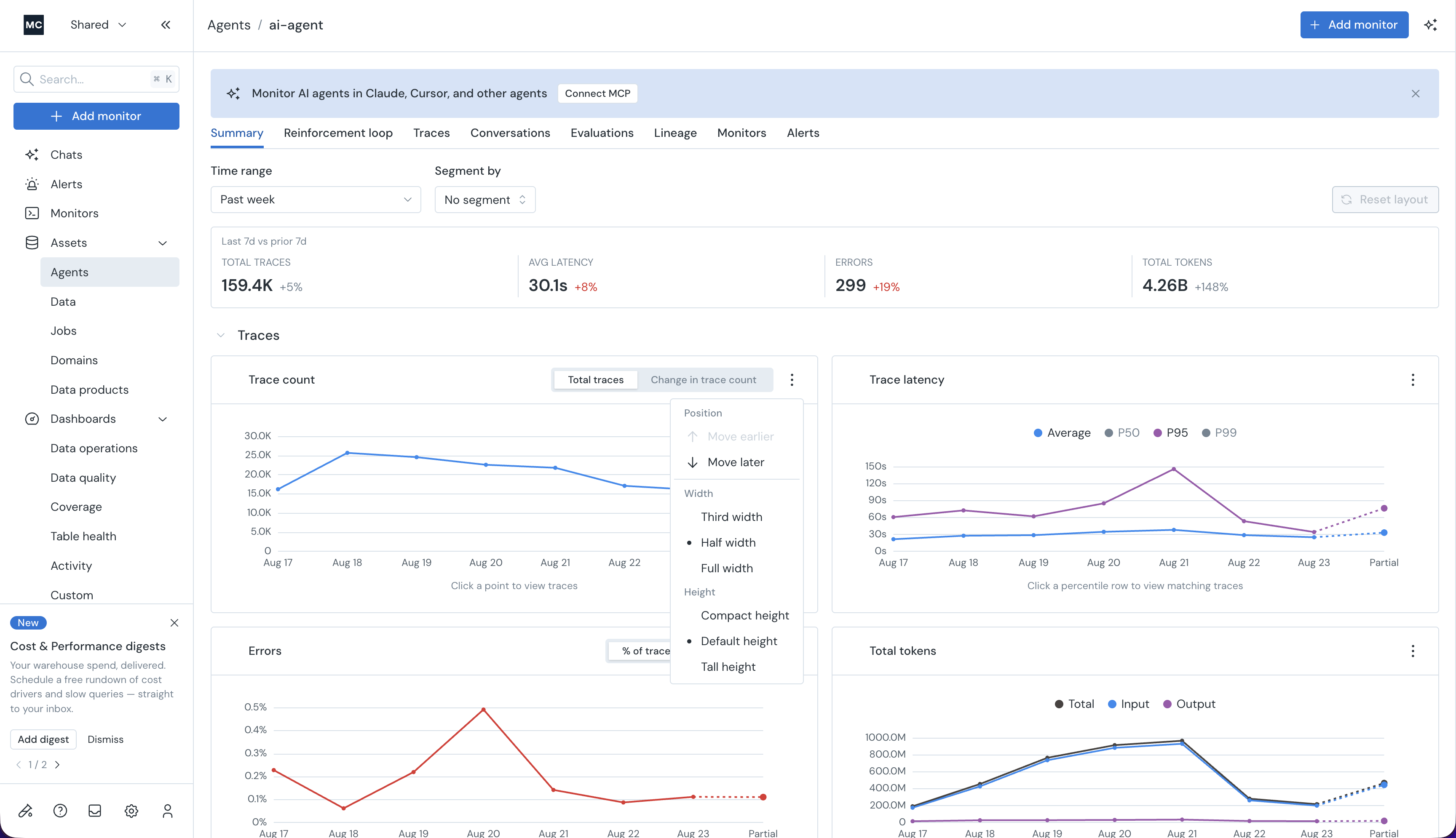
Every widget on an agent's Summary page can now be moved and resized. Drag a widget by its header to reorder it, pull the corner to resize, or use the widget menu to set width (third, half, full) and height (compact, default, tall). Whole sections you don't watch can be collapsed.
No two teams read an agent the same way — someone on call for latency can put trace latency full-width at the top, someone watching spend can lead with tokens. Same data, arranged around the question you opened the page to answer.
Your layout saves automatically and persists across refreshes. Reset layout puts it back.