Introducing: Job monitors
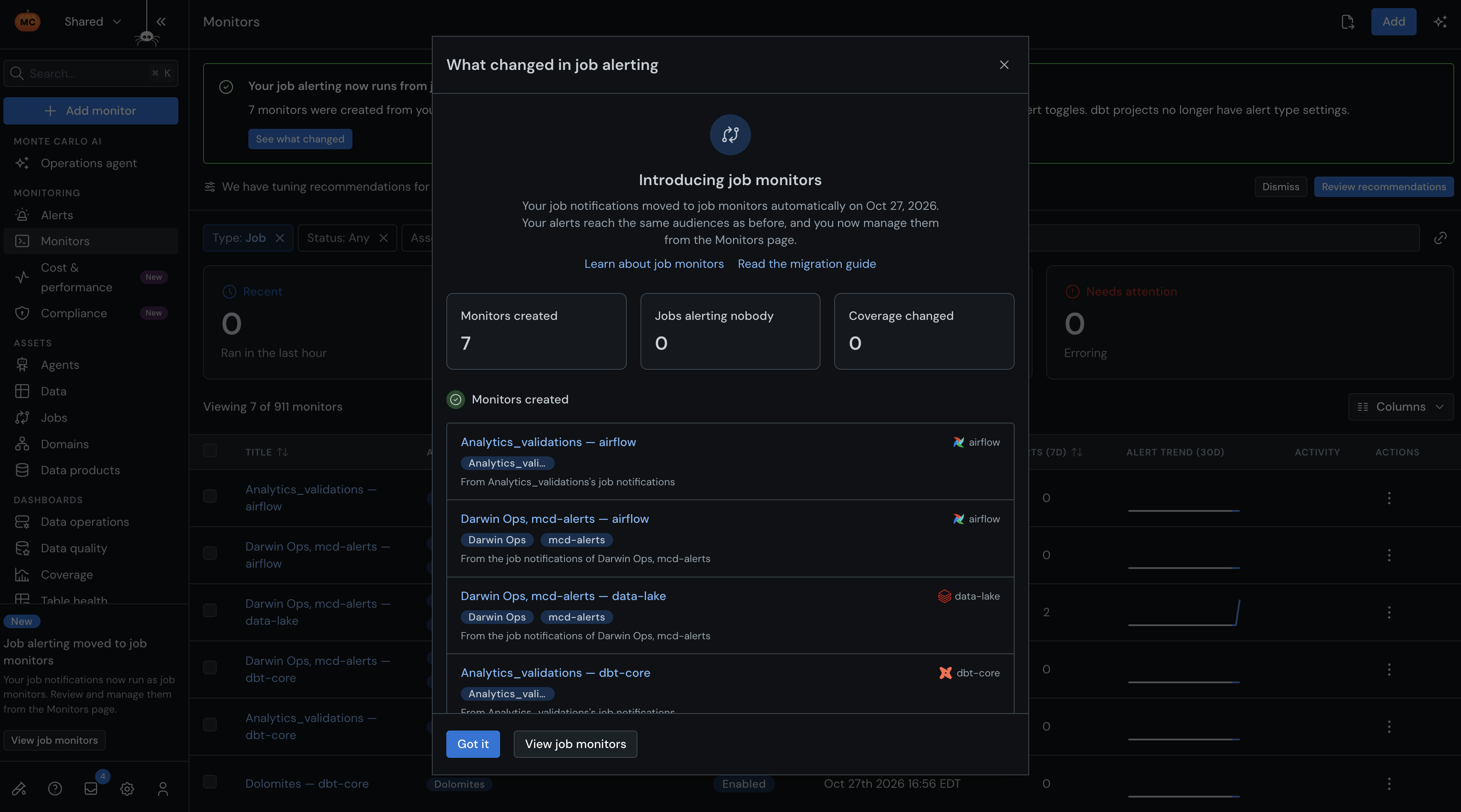
The job failure alerts you already rely on are now managed as Job Monitors, the same way as the rest of your monitors. They watch the same jobs and alert the same people. What's new is where you manage them, and how much more you can do there.
Before, job failure alerting was spread across integration settings, dbt project settings and audiences. Now each job monitor brings it together:
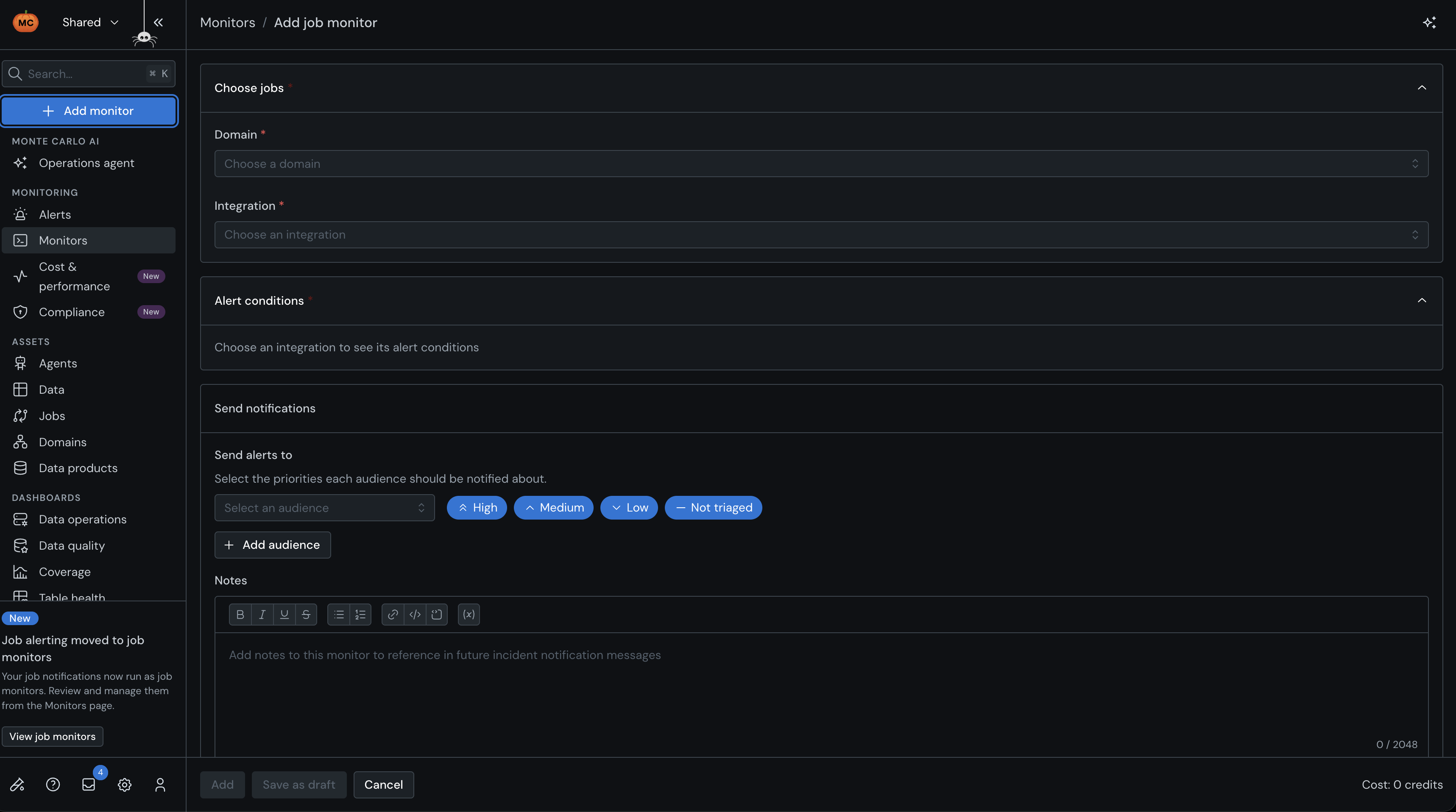
- Pick an integration and choose which jobs to cover: all of them, or a set defined by tags and project rules, with exclusions
- Decide which failures should alert
- Set audiences, priority, domains and alert grouping, like any other monitor
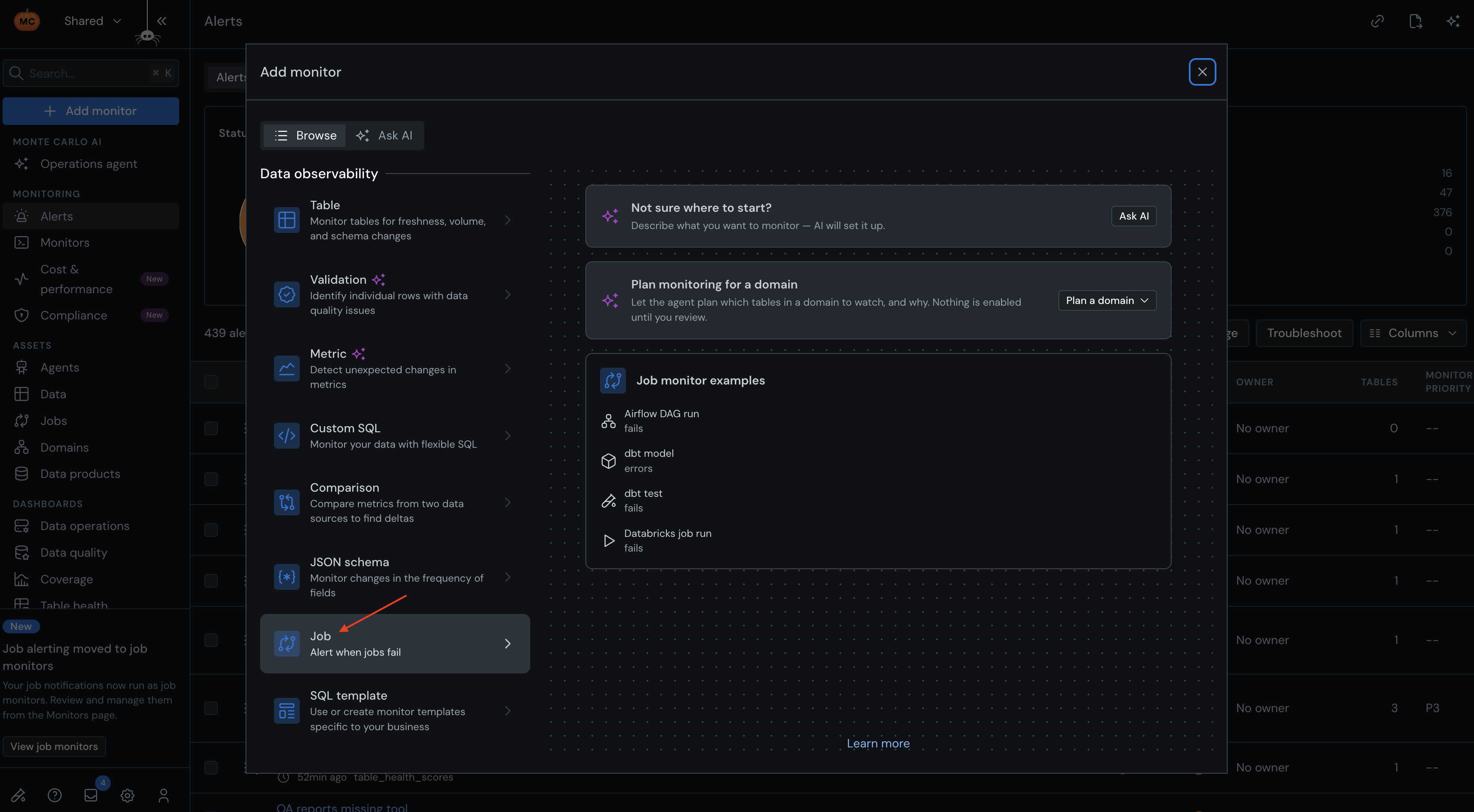
- Job monitors work with Airflow, dbt, Databricks, Azure Data Factory, Snowflake Tasks, custom ETL integrations and more
- Job monitors can now be created and managed via Monitors-as-Code
- Bayes, Monte Carlo's AI teammate, triages and troubleshoots their alerts like any other alert, and can work with job monitors in chat.
Learn more here: Job monitors | What changes for your existing job alerts | Job monitors as code
Rollout: New accounts, and accounts that don't have job failure alerts set up yet, have job monitors today. If you already have job failure alerts configured, they'll show up as job monitors on your Monitors page early November, with the same jobs, failures and audiences and an introduction on what's new.