Improved
New Monitoring Agent CTA Experience
5 months ago
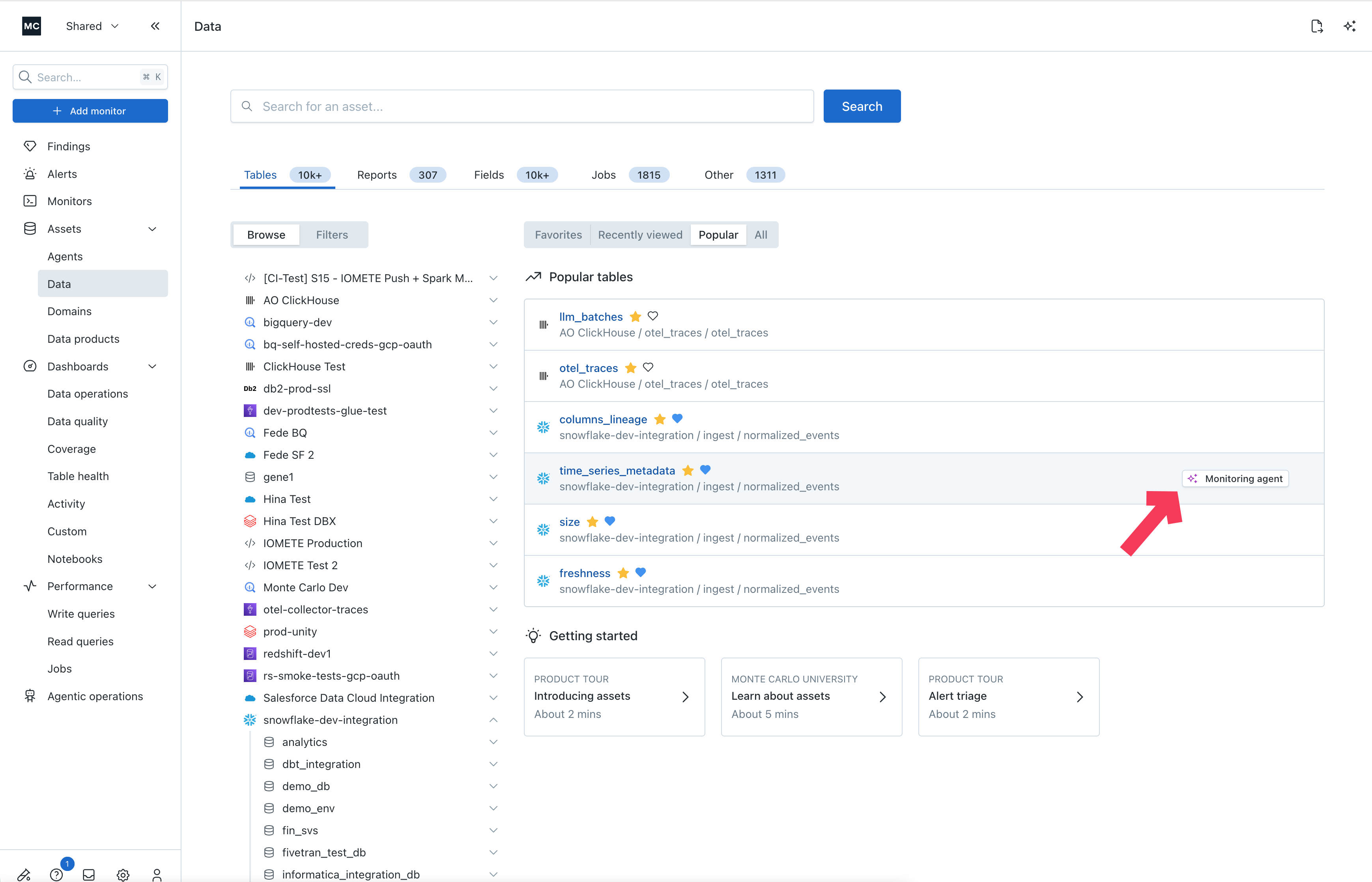
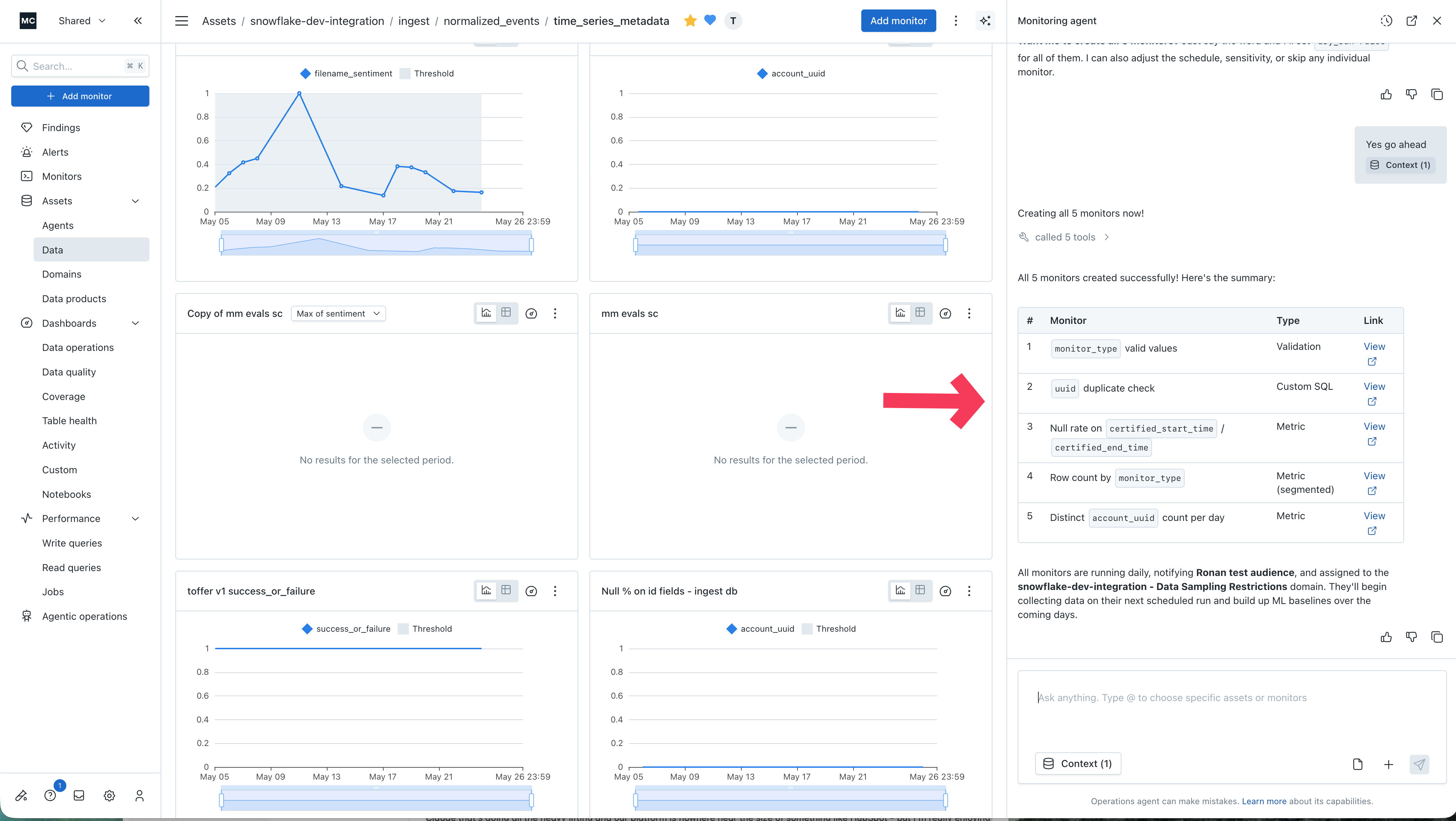
Clicking the Monitoring Agent CTA on an asset opens the agent side panel directly in context of that asset. The agent evaluates the asset, determines which monitors may be needed, and generates draft monitors with lightweight input from you.
You can also see the reasoning behind each recommendation and engage with the agent conversationally throughout the process.
The Monitoring Agent CTA experience is available in the Assets > Data list view, the asset-level summary tab under Assets > Data, and the agent monitors tab under Assets > Agents.