Added
Describe the dashboard you want, and Bayes builds it
about 5 hours ago
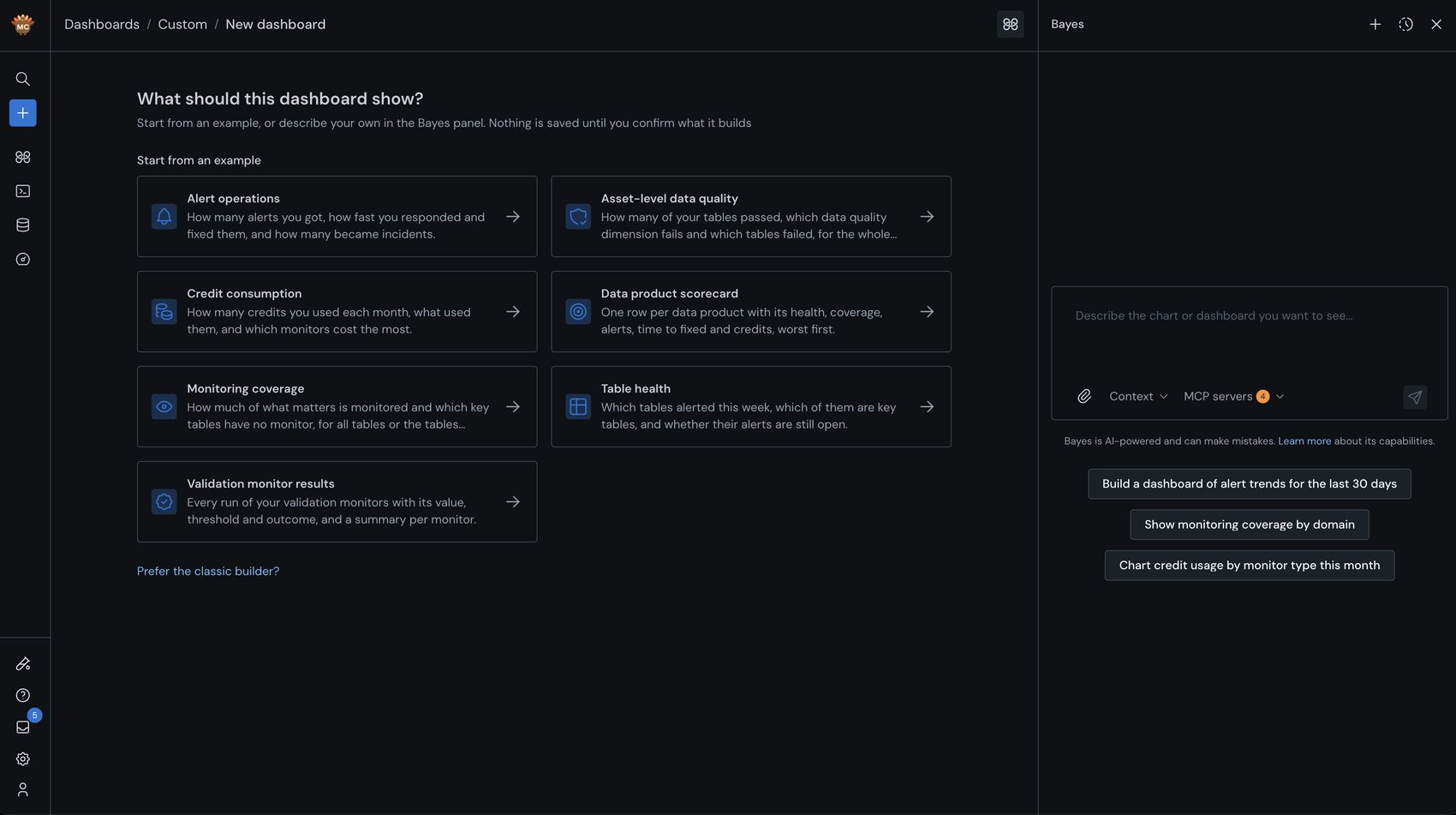
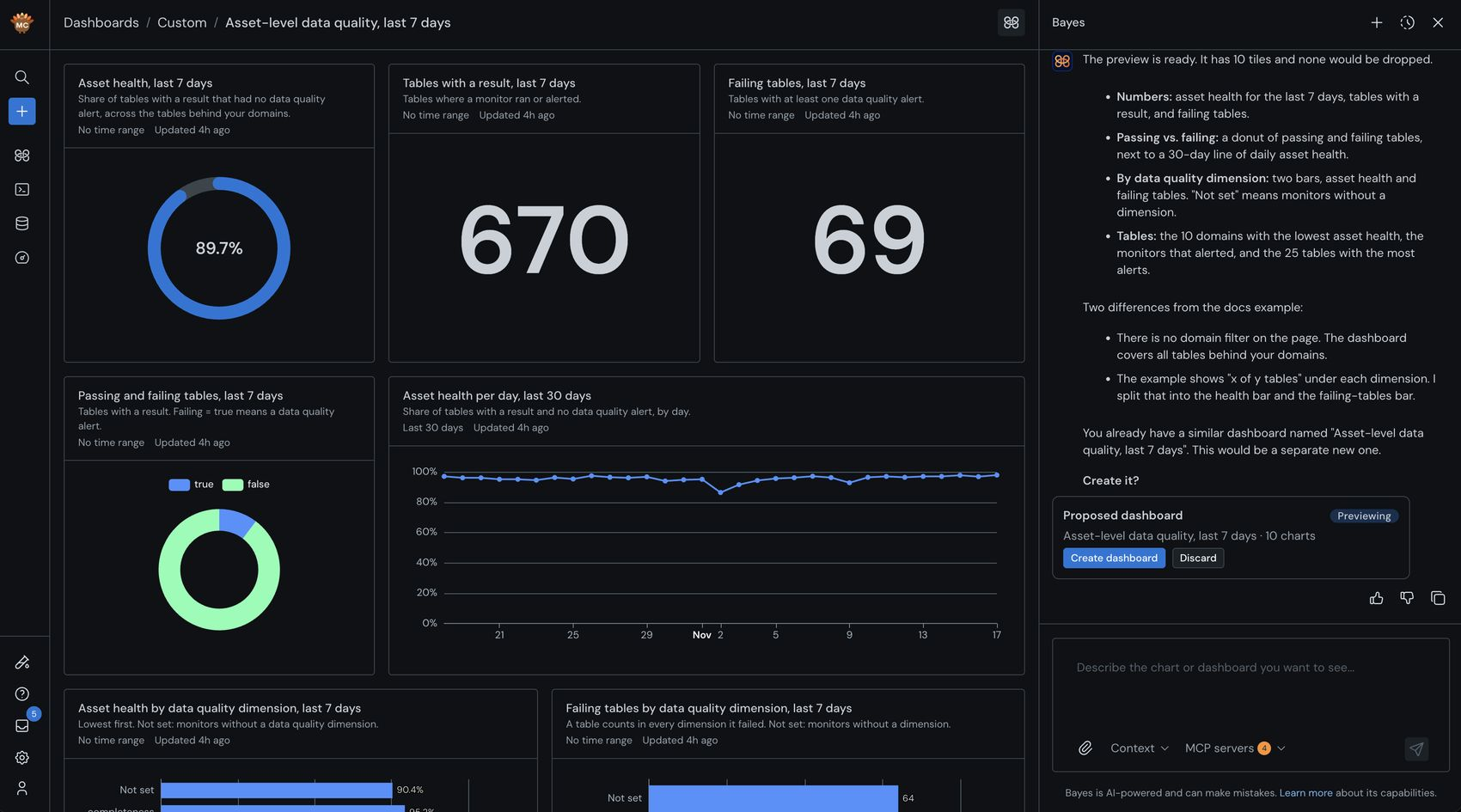
Ask Bayes, Monte Carlo's AI teammate, for the dashboard you need, and it builds the whole thing for you: the right metrics, the right charts and a layout ready to share. Want something different? Just say so.
- Start anywhere: In Dashboards › Custom › Add, describe it in your own words, pick one of seven examples, or open Customize with Bayes on any existing dashboard.
- Change it by asking: Add a chart, switch the time window, regroup or rename. Bayes tags every chart it changed.
- Report beyond monitor results: Classic custom dashboards chart individual monitor and asset metrics. Bayes dashboards cover table health, alerts and incidents, time to resolve, coverage, credits and platform activity, by domain, data product, tag, warehouse or user. See every metric and dimension.
- Private until you share it: Like chats with Bayes, dashboards start private. Shared ones are read-only, teammates can clone them, and every chart respects the viewer's own access.
- Open in your AI tool: Carry any dashboard into Claude or ChatGPT in one click. Bayes uses the same metrics as the Analytics API, so the numbers match. Requires the Monte Carlo MCP server.
Learn more here: Bayes dashboarding · Custom dashboards · Dashboard examples
Availability: On for every account with AI features enabled, viewers included. Admins can restrict it with a custom role. Prefer the classic builder? It's still one click away.