
Managing Users
Users in Monte Carlo are granted permissions through their authorization group memberships. Each group has one or more roles that define what actions are allowed or denied.
graph LR
    U["<strong>User</strong>"] -->|member of| G1[Group A]
    U -->|member of| G2[Group B]
    G1 -->|assigned| R1[Editor]
    G2 -->|assigned| R2[Viewer]
    G2 -.->|scoped to| D[Domain Y]
    style U stroke-width:3px
Inviting users
When inviting a new user, enter their email and select one or more authorization groups:
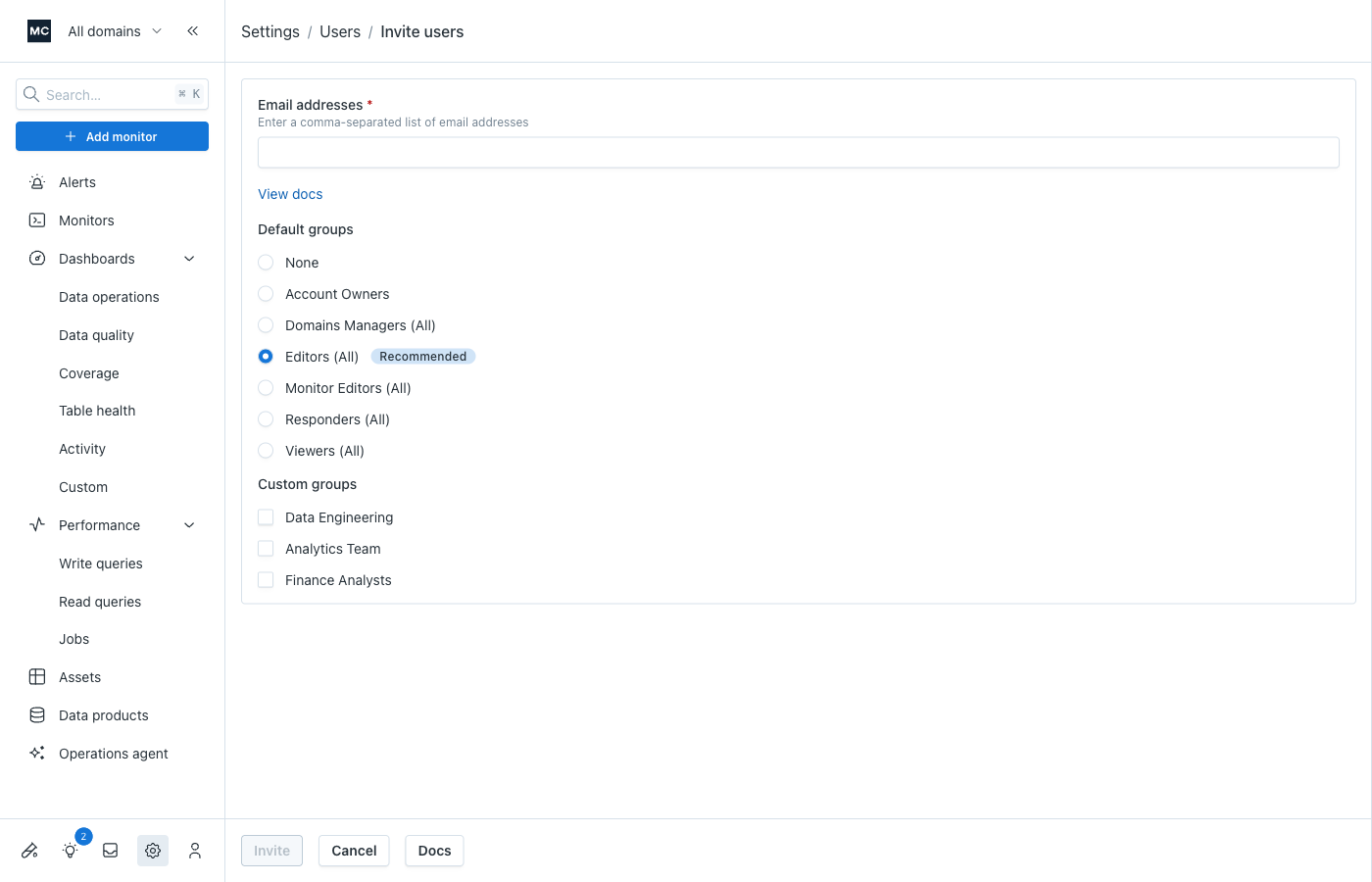
You can select managed groups (which grant permissions across all domains) and/or custom groups you've created. See Managing authorization groups for details on the different group types.
Editing group membership
Once a user has signed up, you can change their group membership using the Edit menu item on the Users page, which opens the user editor:
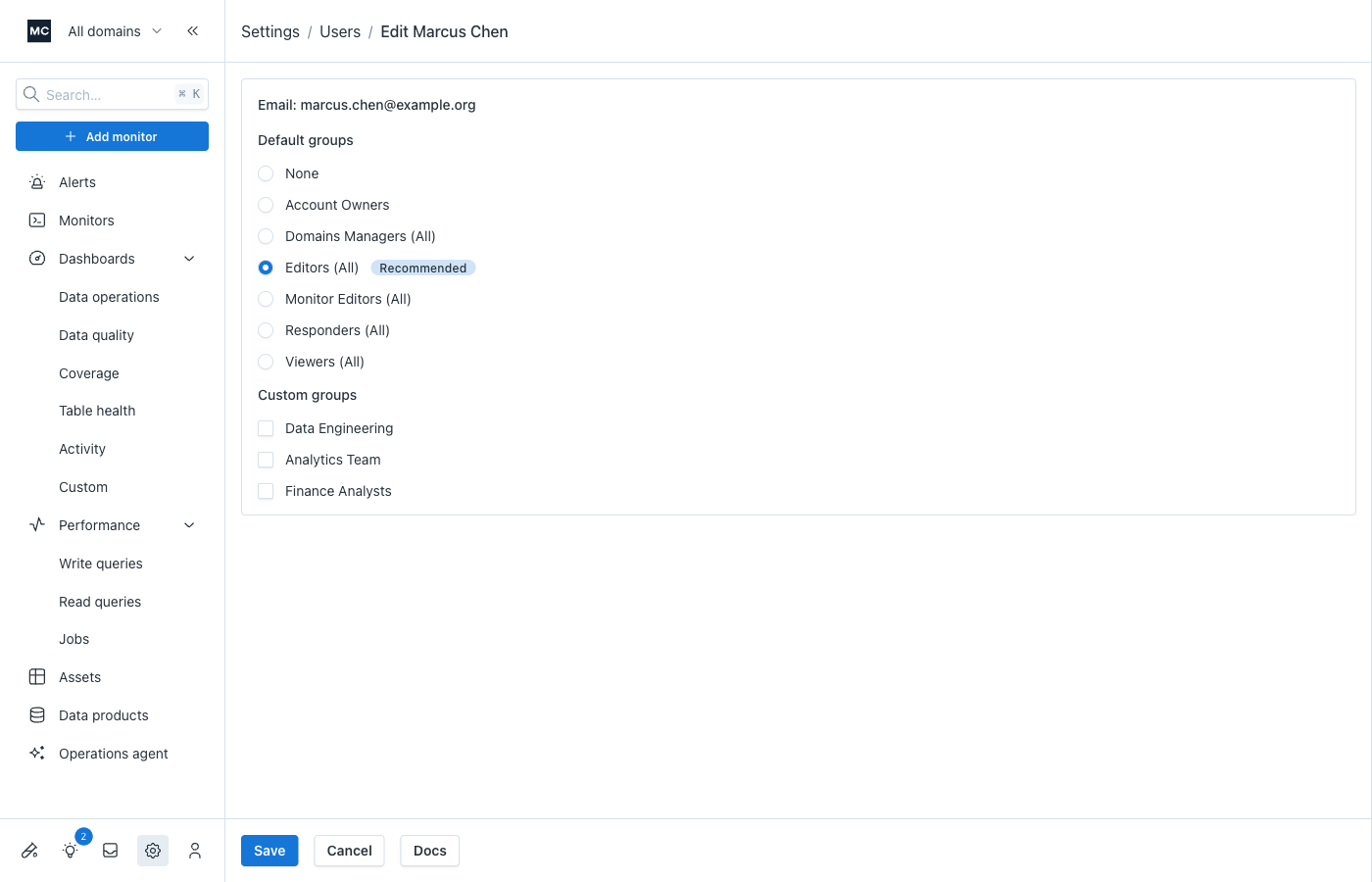
Warning: Changing a user's group membership causes their existing API keys to expire. They will need to create new keys, even if the level of permissions remains the same. Reach out via our Support Agent if you have questions.
Users in multiple groups
Users can be members of multiple authorization groups. Their effective permissions are the combination of all permissions from all their groups, following the policy resolution rules.
See Permissions for users in multiple groups for detailed examples and considerations.
SSO users
Monte Carlo does not automatically grant group membership to SSO users who have not been invited through our site/API — provided the account has custom authorization groups. If there are no custom groups and the user has not been invited, new SSO users are added to the Editors (All) group by default.
This means you can opt into requiring explicit group assignment for SSO users by creating at least one custom authorization group and setting the SSO group mapping on that group.
To assign SSO users to groups, account owners can either:
- Invite users beforehand and choose the appropriate group(s) during the invite
- Edit membership after sign-up on the Users page once the SSO user has joined
Updated 4 months ago